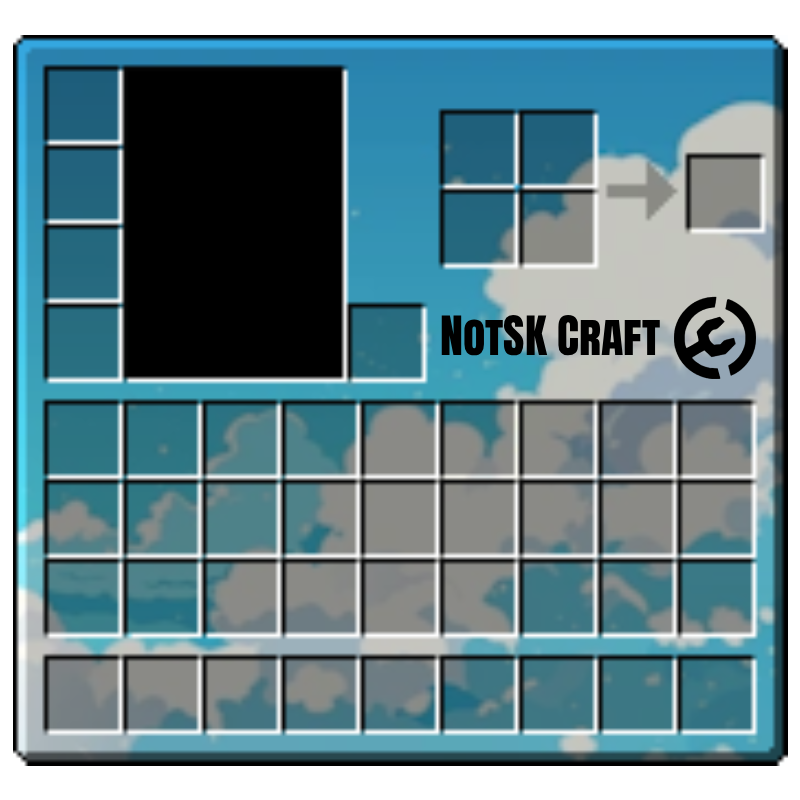
BS Buttons
Restyled recipe book buttons and the inventory container for 1.21.2 up to 1.21.8. Three textures, nothing else, so it drops in without touching anything else.
DownloadPacks
Three packs, free to download. Put them in your instance's
.minecraft\resourcepacks folder, or for the shader pack your
.minecraft\shaderpacks folder.
Restyled recipe book buttons and the inventory container for 1.21.2 up to 1.21.8. Three textures, nothing else, so it drops in without touching anything else.
Download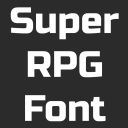
Replaces the default Minecraft font with a chunky RPG-style one, in the GamerPotion look. One font file and the small JSON that points the game at it.
Download
Coloured outlines on block edges, via a shader pack. Ships 26 overlay folders so it lands on the right file format for whichever 1.21 build you're on, from 1.20.5 up to 1.21.9.
DownloadUnzip into your instance's folder. Go to
Options → Open Game Folder in the launcher, then drop them in
resourcepacks for BS Buttons and Super RPG Font, and in
shaderpacks for Rainbow Outline. Both folders are already there.
Yes. It's a shader pack, so it needs OptiFine or an Iris fork — vanilla
Minecraft ignores anything in shaderpacks. Turn it on under
Options → Video Settings once it's in the folder.
Yes, they're free to use however you like. Redistributing them as part of something you sell or hand out as your own is the one thing to leave alone.
Install the launcher and pick whichever Minecraft version you feel like today.
Download for Windows